

Why Website Color Swatches Can’t Be an Exact Match
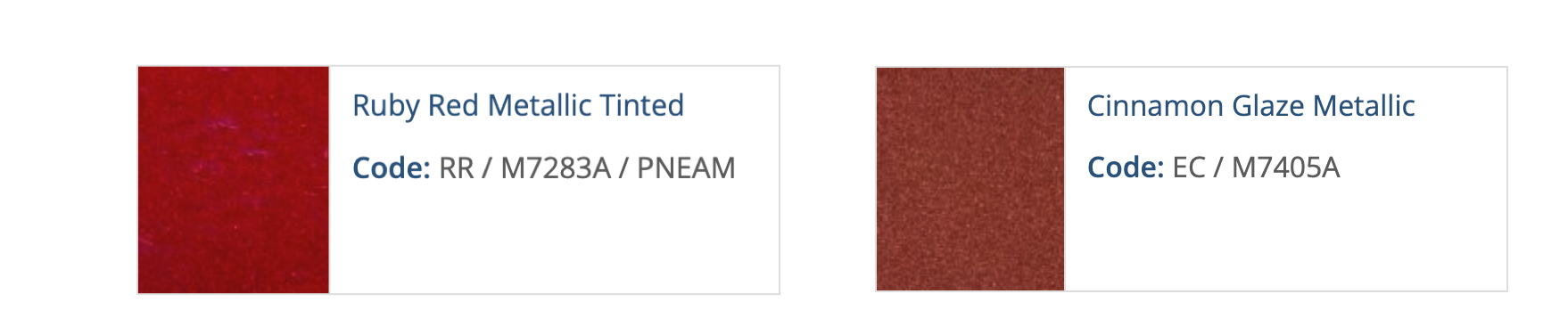
Color swatches shown on a website are created for digital display, not for physical paint comparison. Several factors prevent them from looking exactly like your car:
Screen limitations
Car paint colors are physical finishes, while screens display colors using RGB light. The color swatches are as close an approximation as possible but can’t perfectly represent real paint.
Metallic and pearl finishes
Finishes with metallic or pearl flake change appearance based on lighting and viewing angle, which can’t be fully captured in a flat digital swatch.
Device and display variation
Screen brightness, color calibration, and device type all affect how a color appears.
How to Confirm You’re Ordering the Correct Color
To ensure you receive the correct paint:
Use the paint code on your vehicle’s paint code label when ordering.
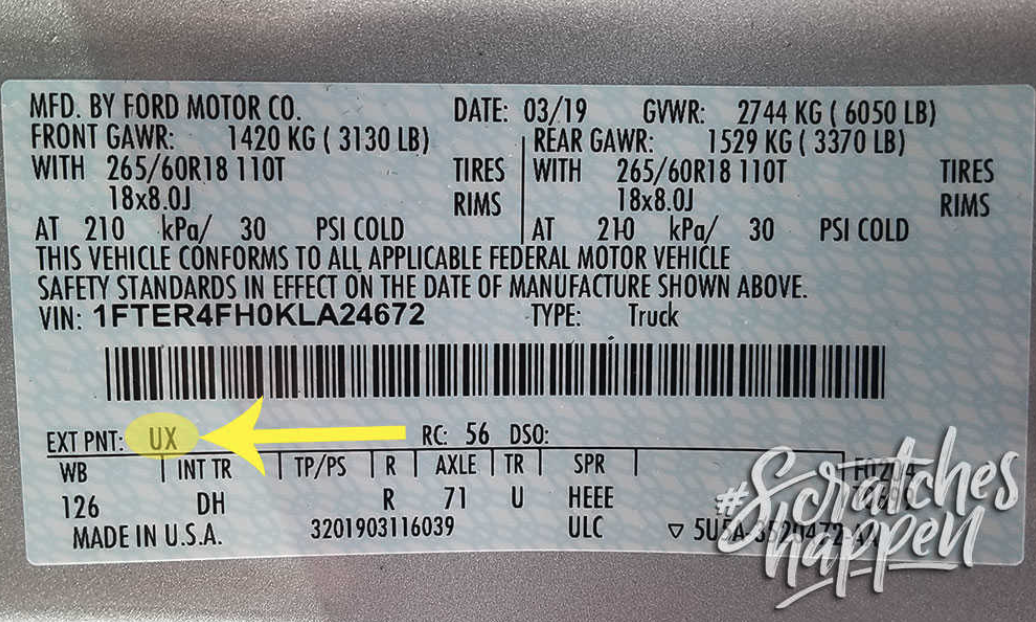
Many vehicles have multiple similar blues, reds, blacks, whites, etc. for the same year, make, and model, which cannot be reliably distinguished on a screen. Always verify confirm your paint code on the vehicle.
Key Takeaway
Website color swatches are a visual reference only.
Your paint code is the source of truth.
If the code matches, the color is correct — even if the on-screen swatch looks different.
FAQ
Where is my paint code label located?
Why can’t the website swatch exactly match my car’s color?
Should I use the website color swatch to choose my car paint?
Why do similar colors appear almost identical on screen?
Related Content
Scratch Match™: Choose the Right Repair Kit
Scratch Match™ is a visual tool for choosing the right touch-up paint repair kit. Swipe right through real paint scratch examples to see the recommended kit.
Where Can I Find Your Instructions?
Step-by-step guides for Bottle, Aerosol, and Professional kits.
What Should I Do If I Purchased the Wrong Color?
If you believe you selected an incorrect paint code, this article explains next steps and how to get help before using the product.