
In this video, I'll show you how to find your vehicle's factory paint coat. It's the most accurate way to confirm your color before ordering.
Step 1: Navigate to Paint Codes
For the USA, start at scratcheshappen.com.
For Canada, start at scratcheshappen.ca.
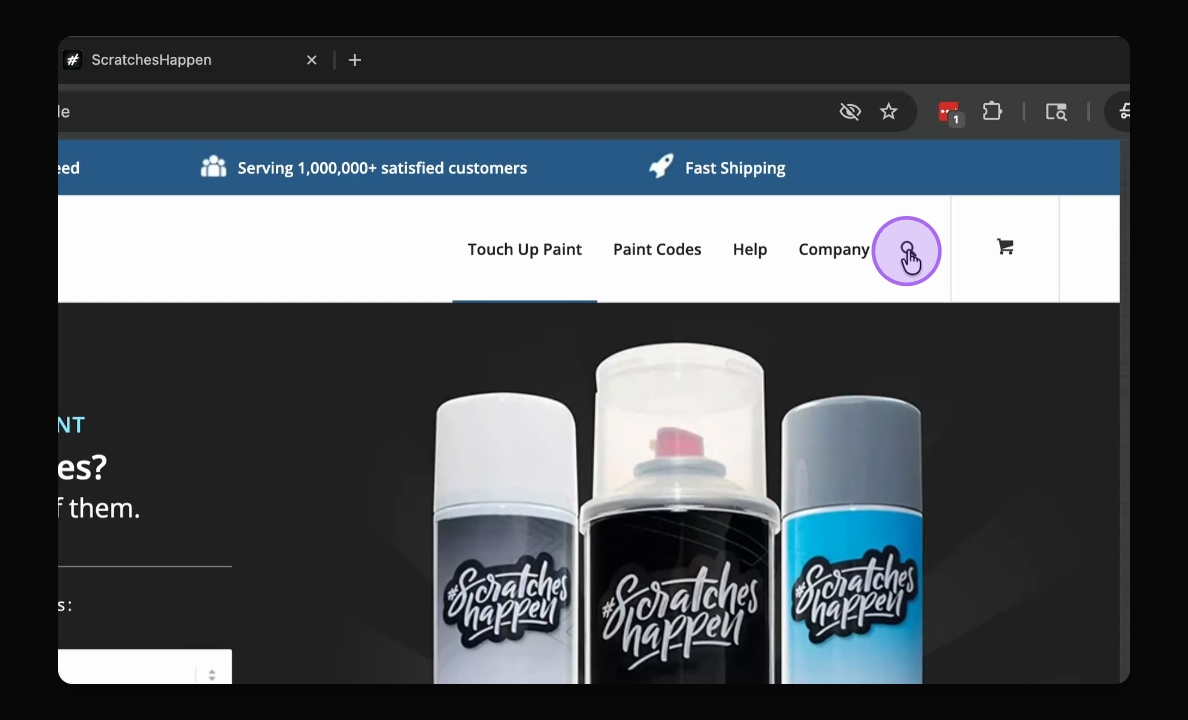
In the top navigation menu, click Paint Codes.
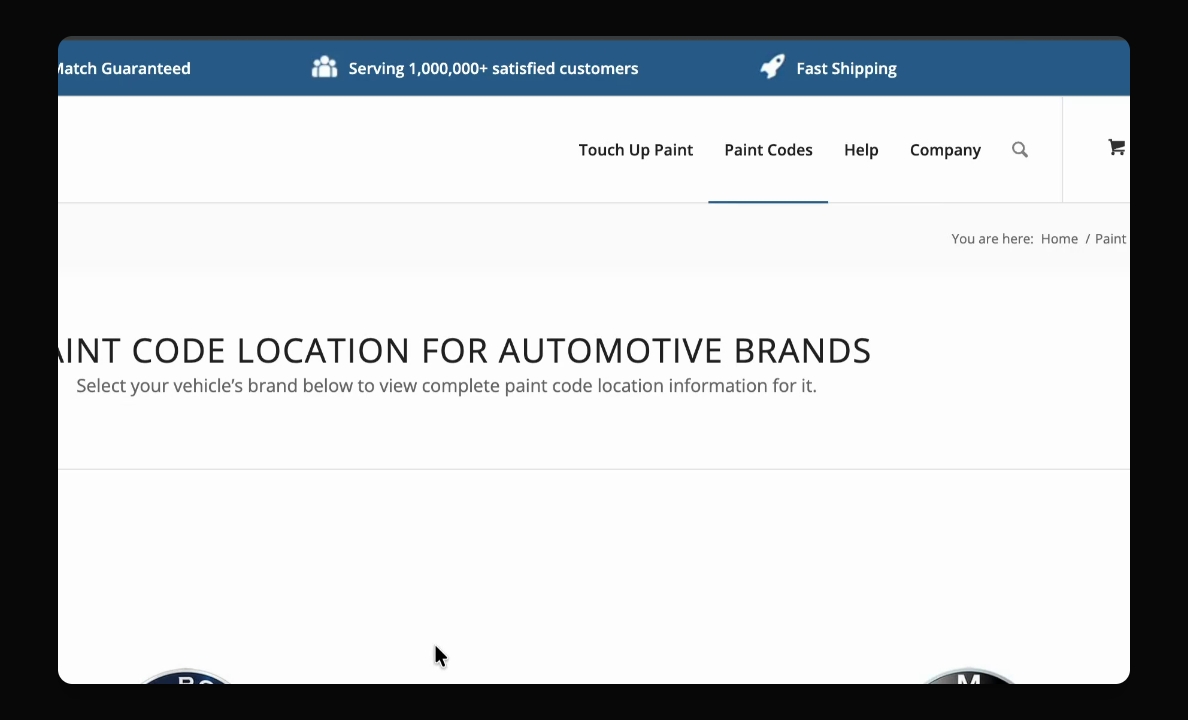
Step 2: Select Your Brand
For this example, we'll choose Honda.
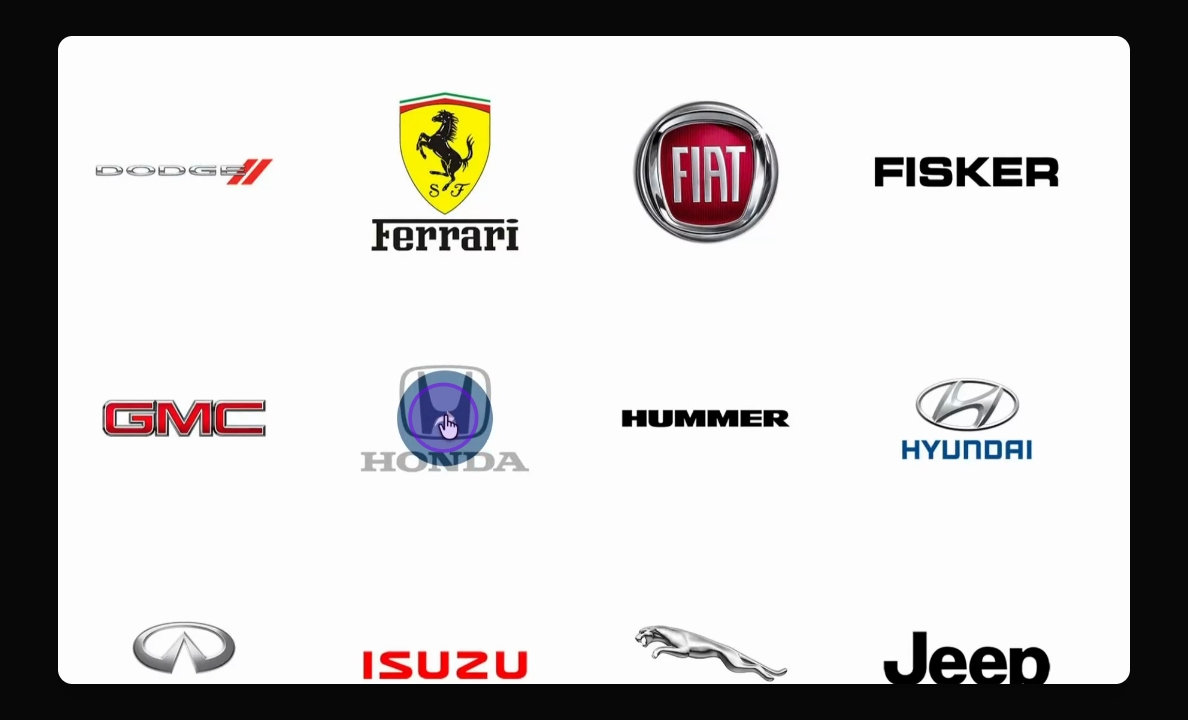
Step 3: Use the Brand Guide
On the brand page, you'll see a description of where paint codes are typically located, a visual diagram showing common locations for your brand, and an example photo of what the paint code label looks like.
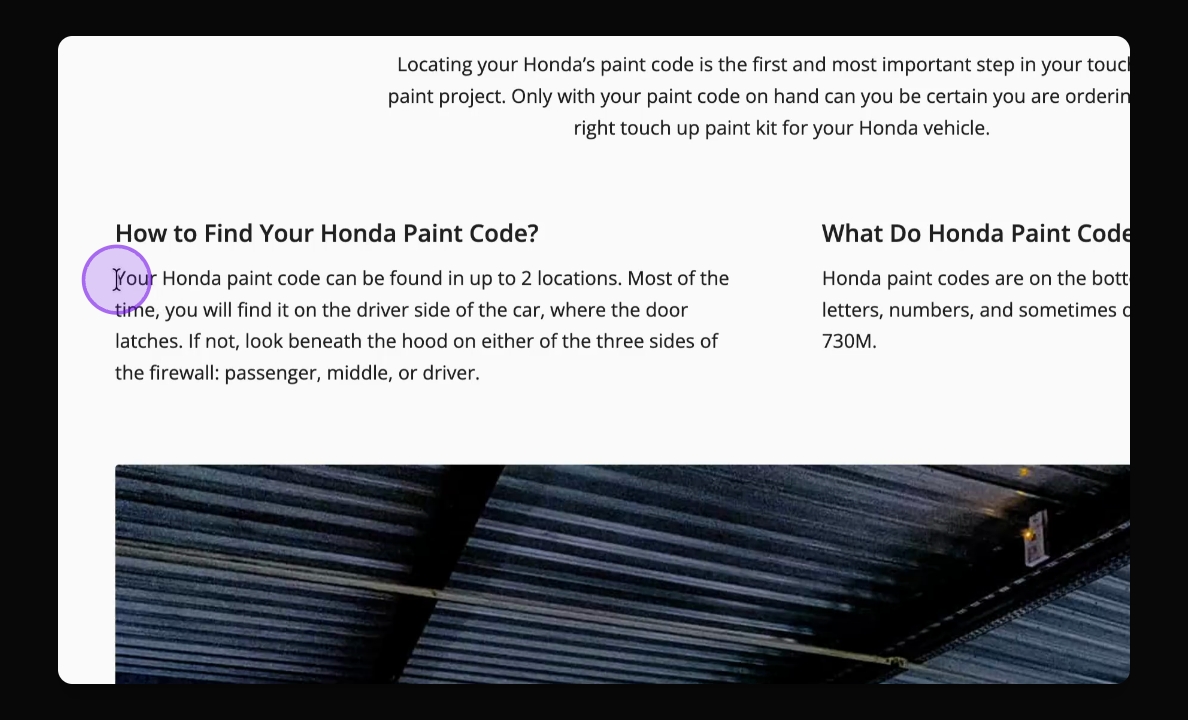
Step 4: Identify the Code
Look for a sticker or plate that includes the paint code. Your paint code may be a short combination of letters and/or numbers.
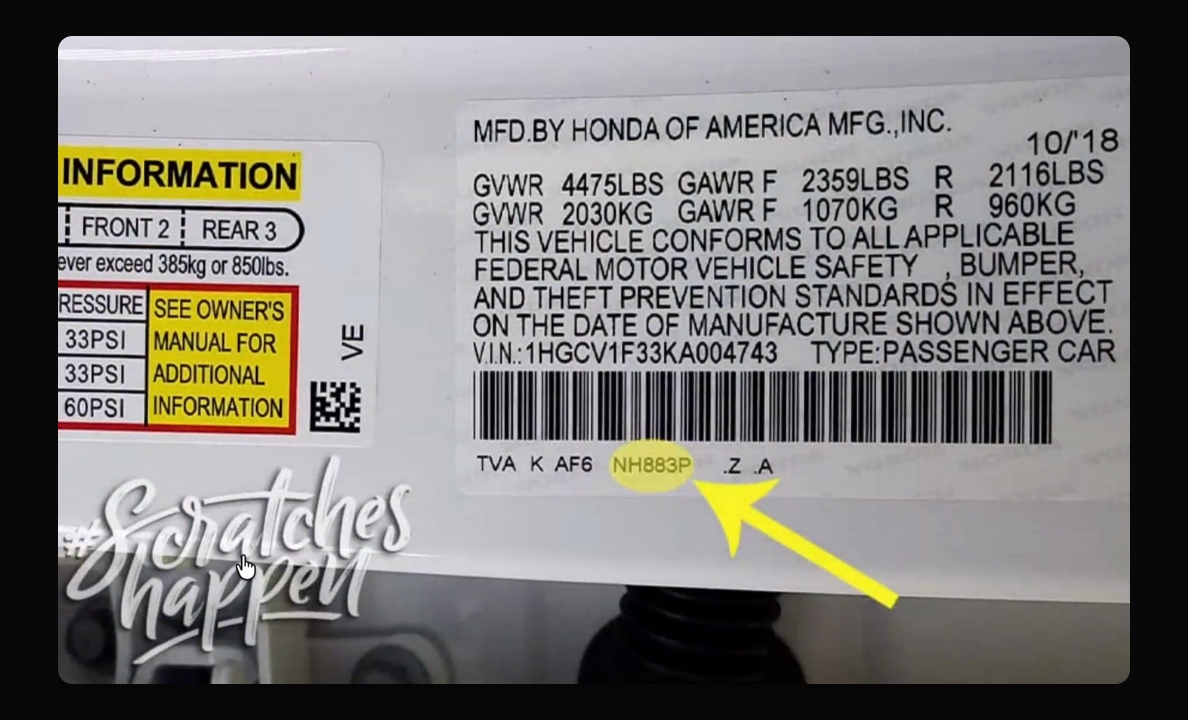
That code is what you'll enter in the search box to find your paint.
If your brand isn't listed or if you're working with a motorcycle, ATV, UTV, or watercraft, your dealership is usually the fastest option.
They often have the original paint code on file and can confirm it by VIN number. Once you've located your paint code, you can order knowing you've selected the correct factory color.
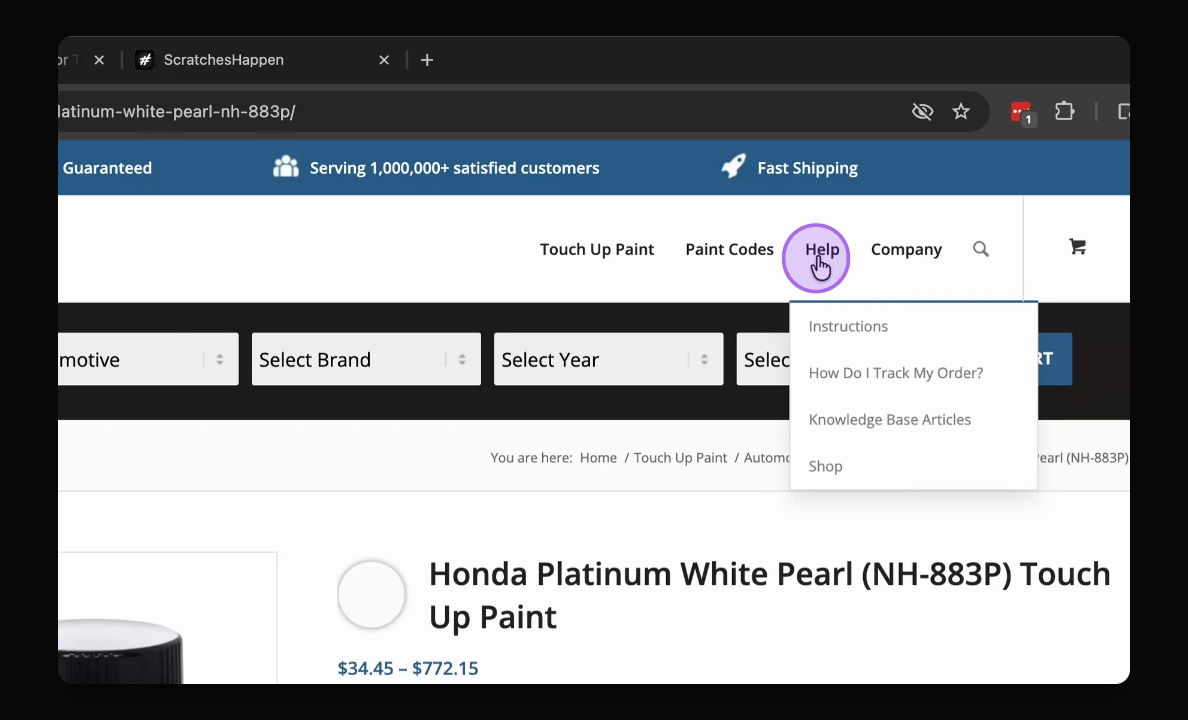
If you're ever unsure, you can contact us via Ask Shine in the Help center or through support.
Include a photo of your paint code label and we're happy to confirm it.